Arrive
GPS arrival can start work at a configured site when the required device permissions are enabled.

Time tracking and scheduling for field teams, with an admin panel to review the hours behind every job.
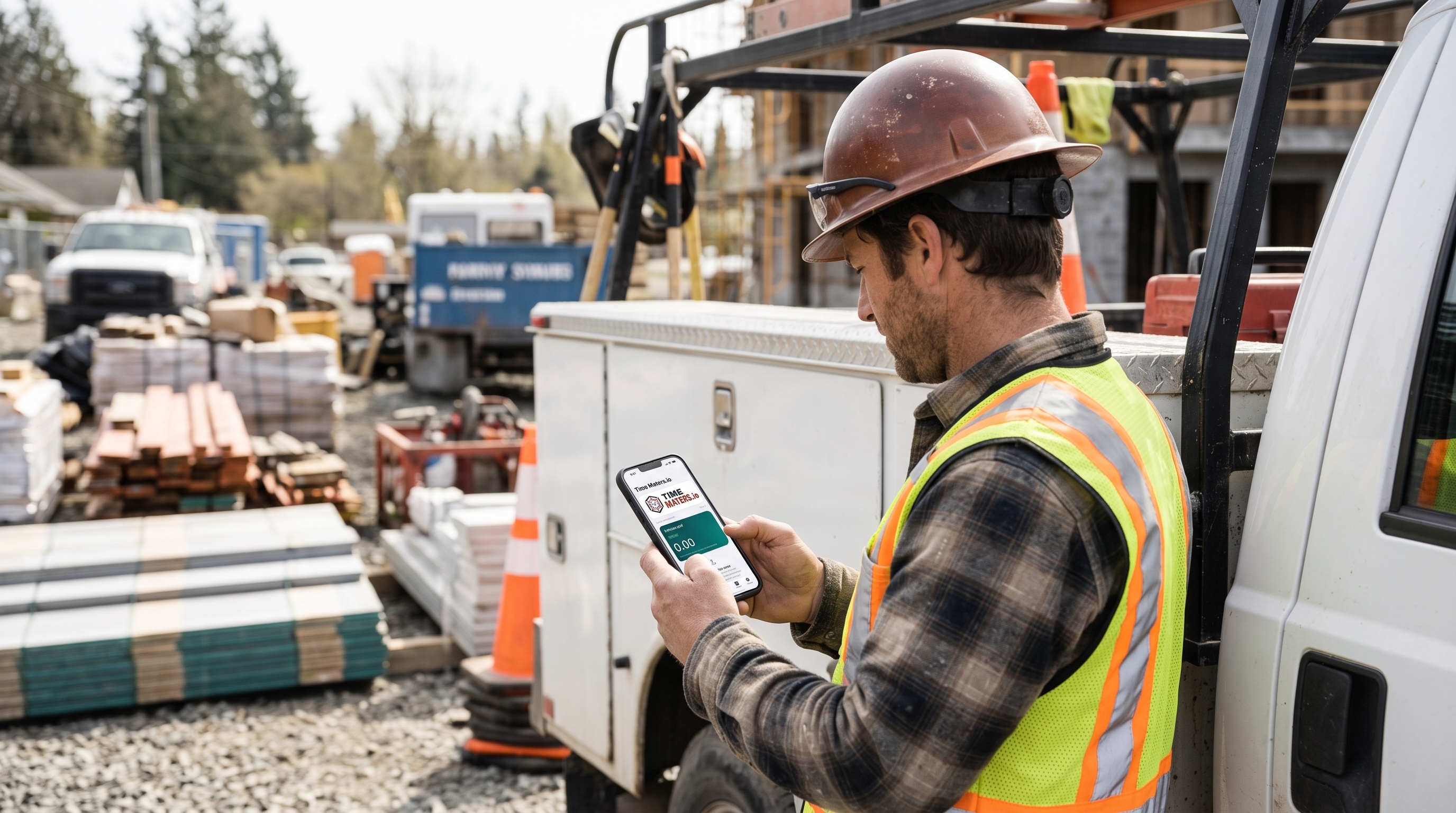
Arrive at the configured site. Record the start of work. Keep manual controls close when the day changes.
Meet your simpler workday ↓The useful record is the one your team can understand, review and use again.
GPS automation requires location permissions and appropriate device settings. Device conditions can delay or prevent automatic events. Manual entry remains available.
Give the office a record to check, rather than another end-of-week reconstruction.
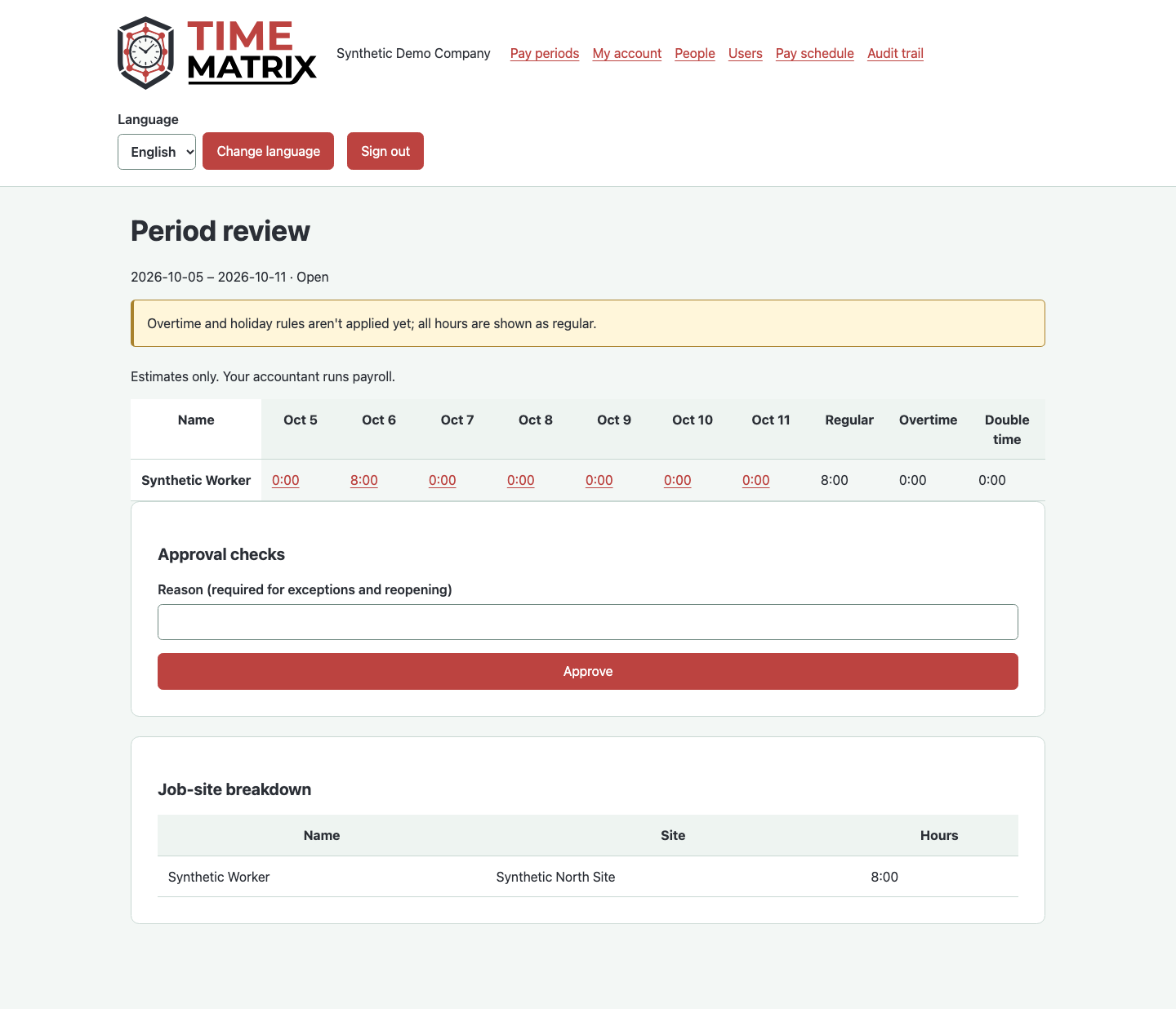
Review recorded hours by person and site. Approval checks keep exceptions visible, so a missing detail can be addressed before the record moves on.
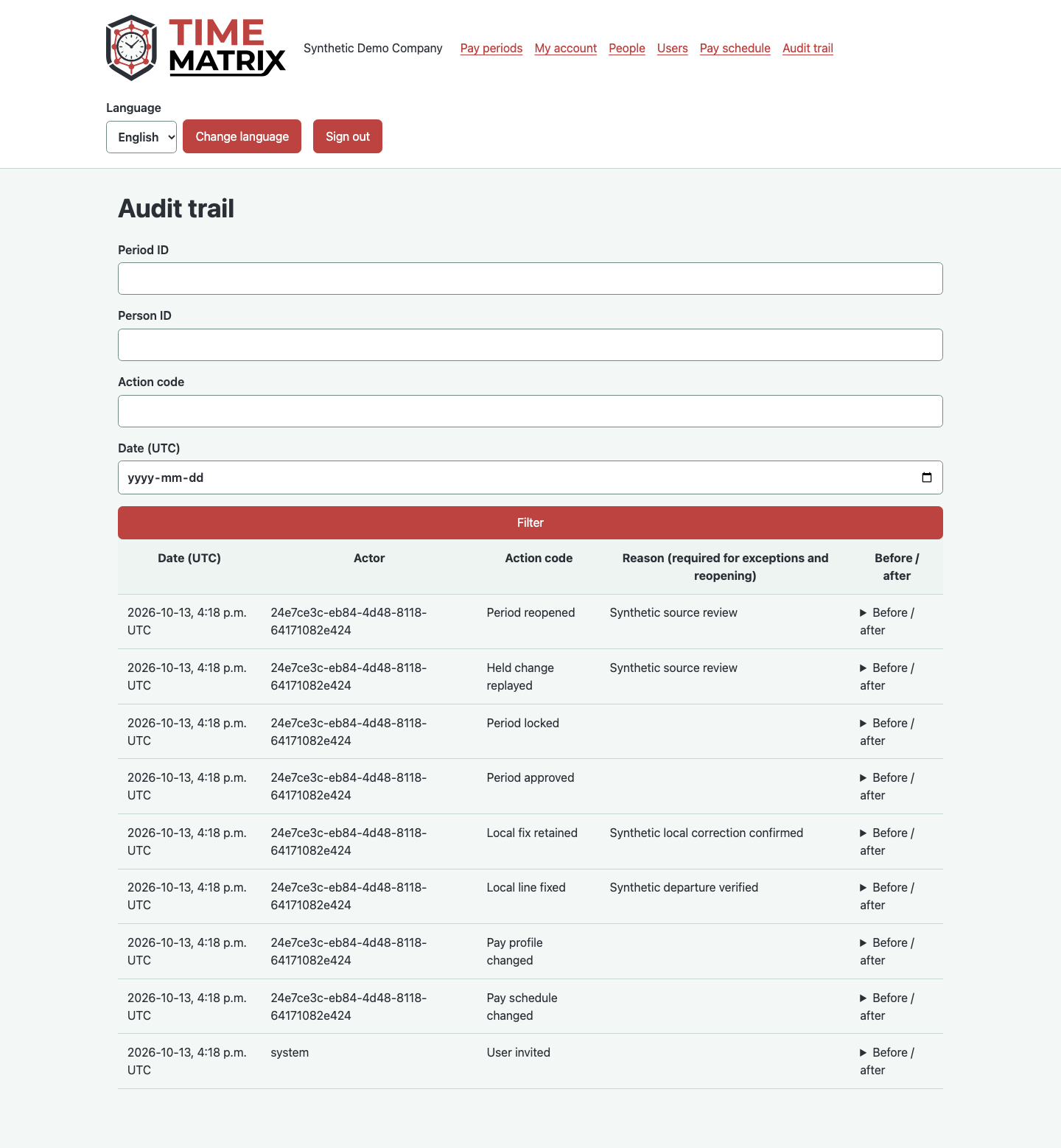
The admin audit trail records actions and reasons. Original entries and subsequent review have a place in the same conversation.
Choose a time-capture method to see how it fits the day.
GPS arrival can clock you in at your configured site, with the required permissions enabled.
Choose where a sample shift goes. The hours stay the same; the business question changes.
Example shift, North Site
Illustrative record, not live attendance or payroll data.
Time Maters brings recorded hours into the admin review. Check the worker, site and exceptions before approving the period.
Connected attendance helps the crew see who is recorded on site when an emergency occurs. Attendance records support your site response; they do not replace a physical headcount.
Associate reviewed site hours with the relevant client and job, giving the office a basis for labour costing and billable-time preparation.
Prepare reviewed time for export to your preferred payroll workflow. Confirm supported formats and enabled connections for your organization.
Available connected workflows depend on your organization’s setup.
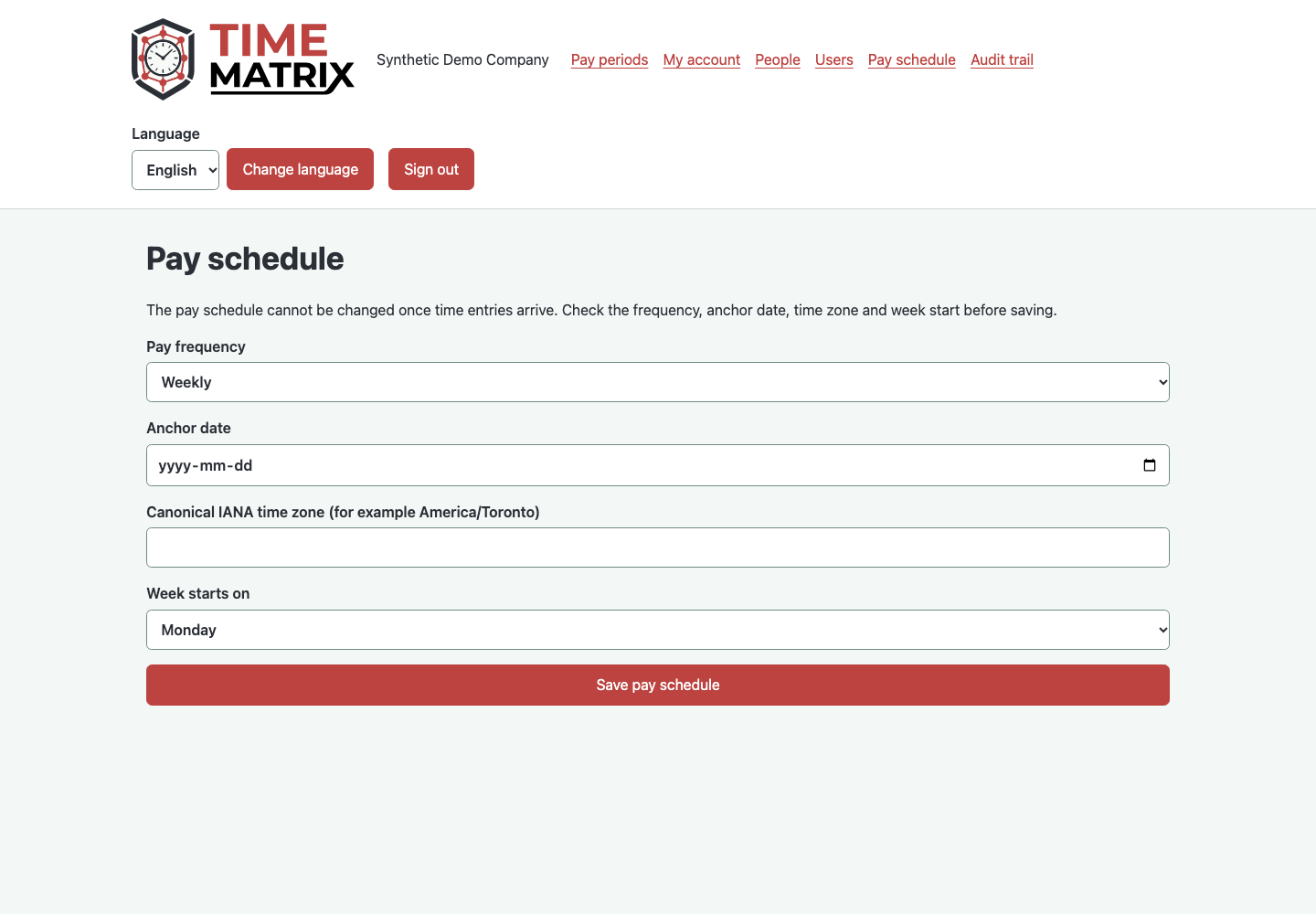
Configure daily work and break times in the app. In administration, the pay schedule defines the period used to review hours.
Daily schedules and pay periods serve different purposes. The admin pay-schedule screen shows the office side of that setup.
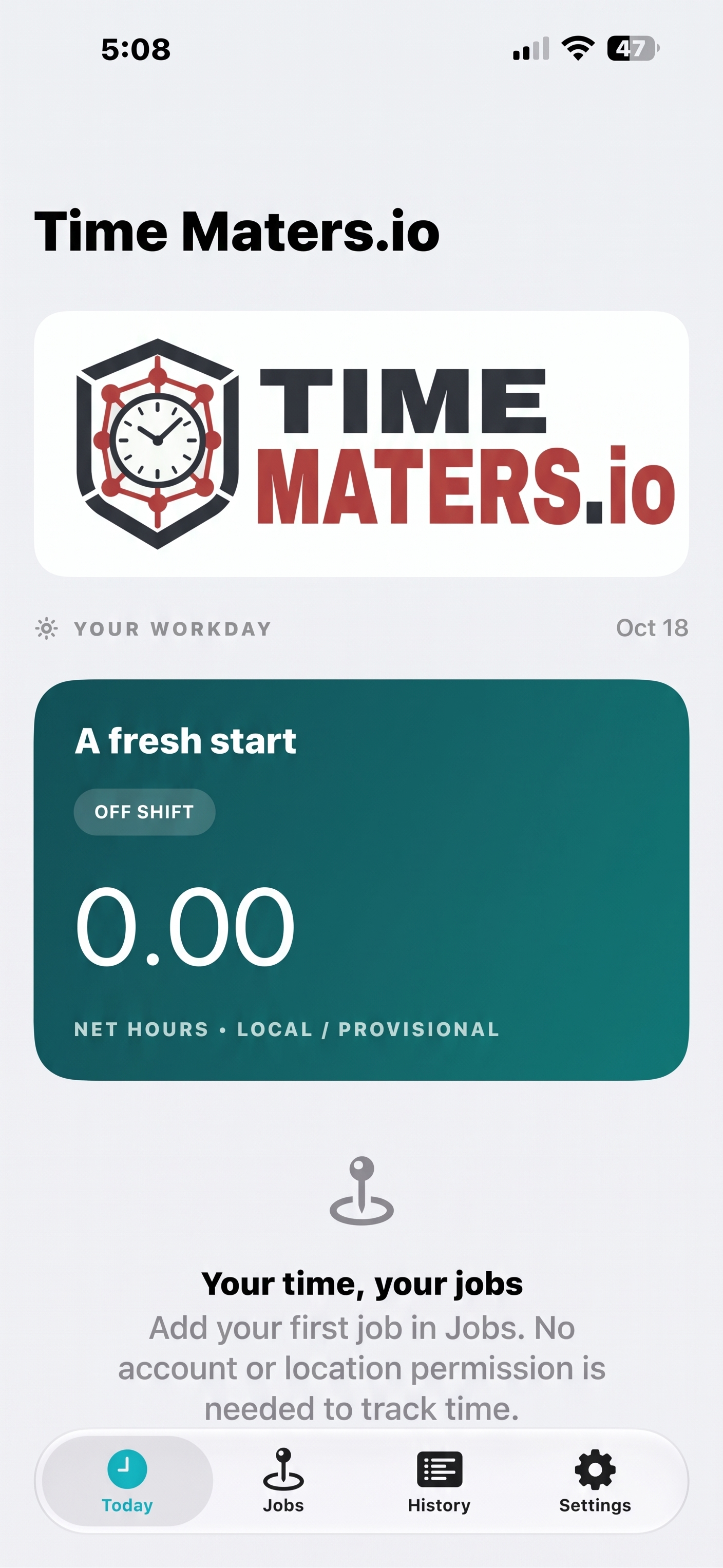
Yes. Manual time controls support the days when automatic capture isn’t the right fit. The native apps also support local manual logging without a network connection.
Location access, the relevant background permissions, and your configured job-site settings. Device settings, signal, and operating-system restrictions can affect delivery. Manual time controls remain available.
Yes. The administration interface supports period review and job-site hour breakdowns, helping your office organize recorded time.
time maters.io provides time records and review information. Your accountant or existing payroll process handles payroll.
time maters.io has native iOS and Android apps. Discuss distribution and the right setup for your team during a demo.
Tell us about your sites, your crew and the tools your office uses. We can discuss the right workflow for your business.